AuditHub
AuditHub is a Veridise service where users can run verification tools such as Picus. Is accesible via both its web UI and CLI. In these sections we will explain how to prepare a project for AuditHub, how to configure the CLI, and how to use it for interacting with AuditHub.
AuditHub CLI
The CLI is a Python 3 program that can be installed with pip.
pip install audithub-client
The CLI needs to be configured before use. To do that go AuditHub’s UI and navigate to Account Settings / API Keys. Follow the wizard to create a new API key and store the given client id and client secret somewhere secure depending on the intended usage of the keys.
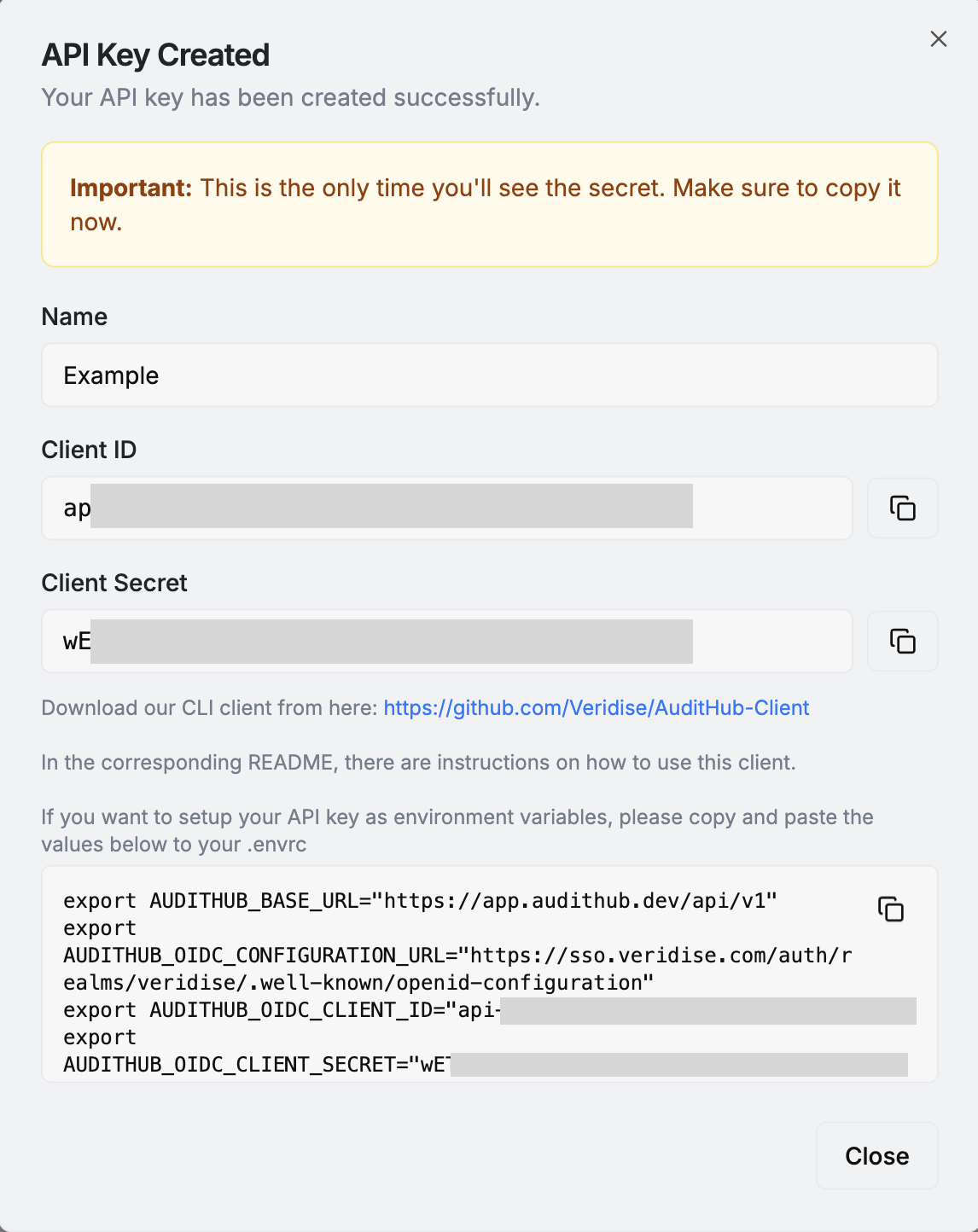
For local use that could be a .envrc file
managed by direnv. For using them in CI that could be Github Secrets accesible
by Github Actions.
Once the keys are ready check the CLI’s documentation on how to configure your system such that the CLI can use the keys to connect to AuditHub.
You can confirm that the CLI is working correctly by running the following
$ ah get-my-profile
{"id": "...", "name": "<Your name>", "email": "<Your email>", "rights": [...], ...}